

It's easy to create and manage training courses and materials in Kivo - and use reports to track compliance. Let's see how it works!
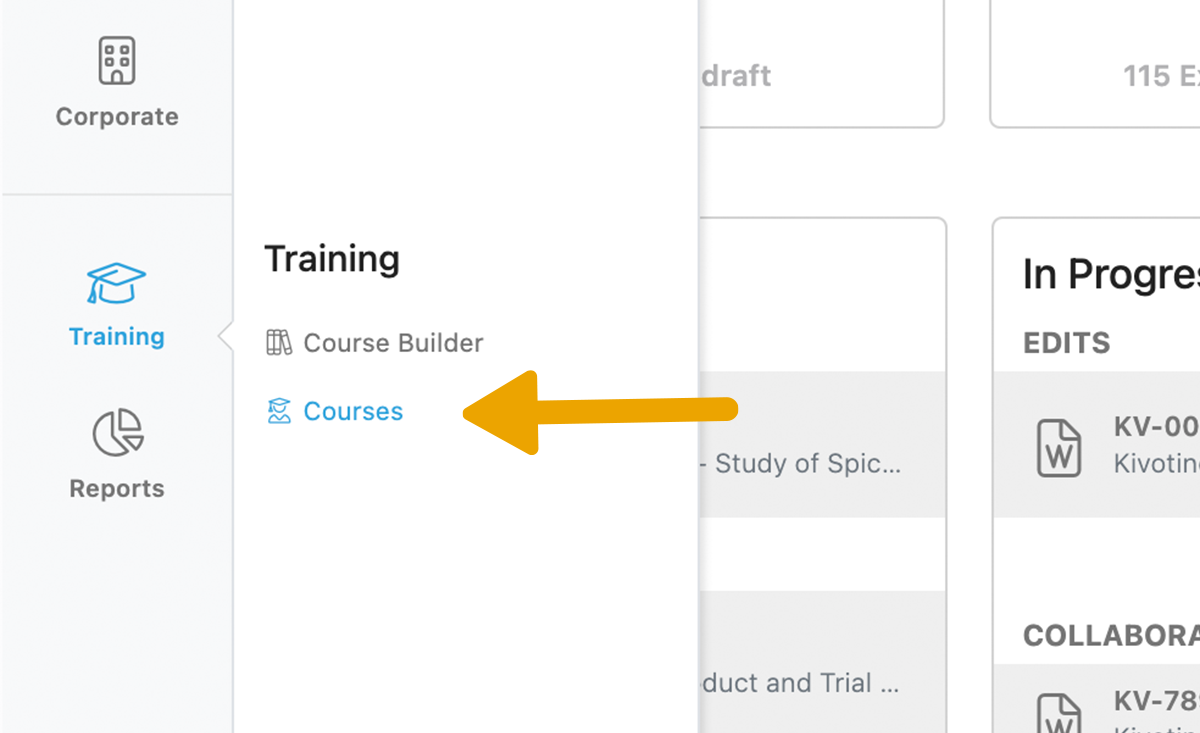
To start, we'll navigate to the Training Module. Today we'll look at Courses.
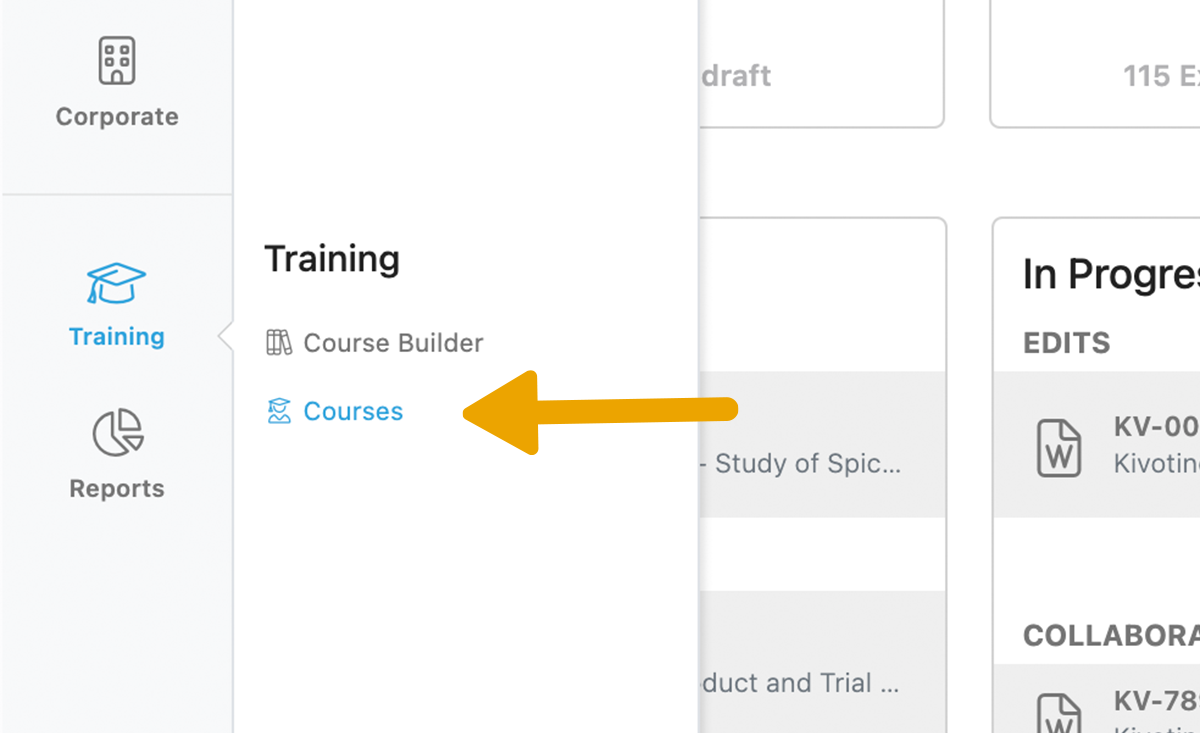
When you open Courses, you'll see the courses you are enrolled in, such as a New Employee Onboarding course. You'll also see the Status and Due Date for each course.
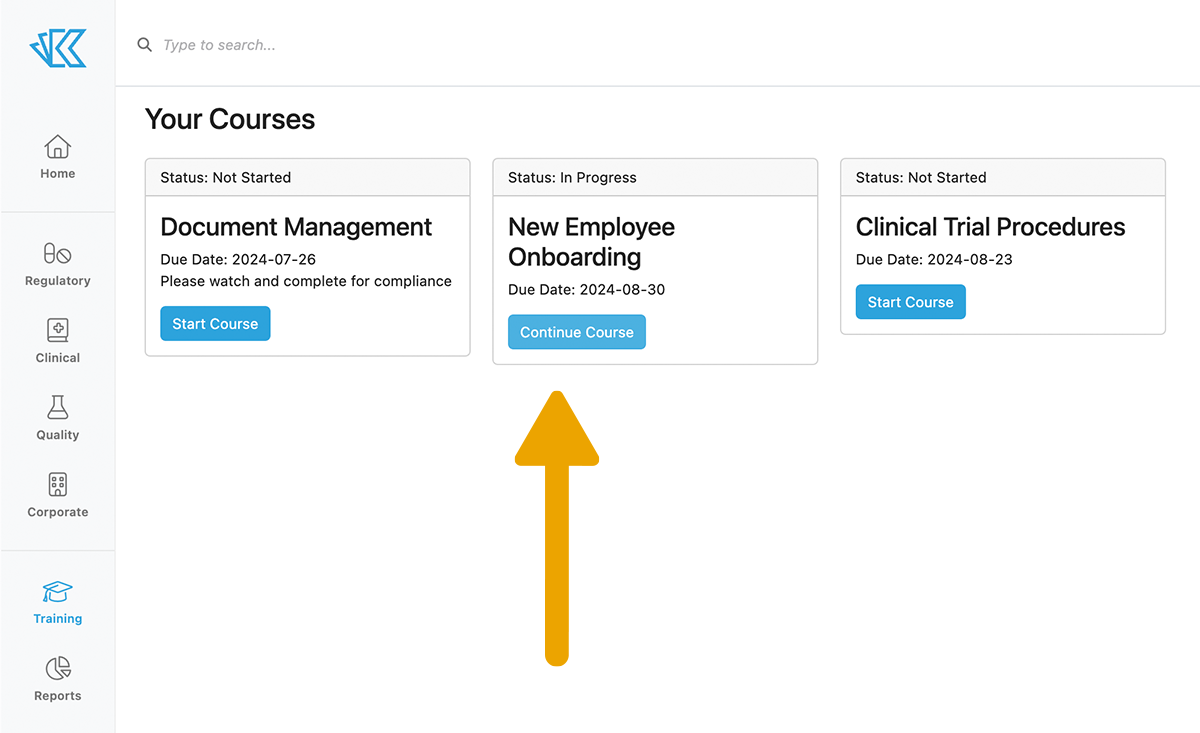
Enrolling users into Courses is simple, for those that have permissions. You can enroll Groups of users, like your entire Clinical team, or individual users. It's okay if Groups & Individuals overlap - Kivo will make sure that no one gets double-enrolled. And if a document is included in multiple courses for the same user, it will show as "completed" after the first one.
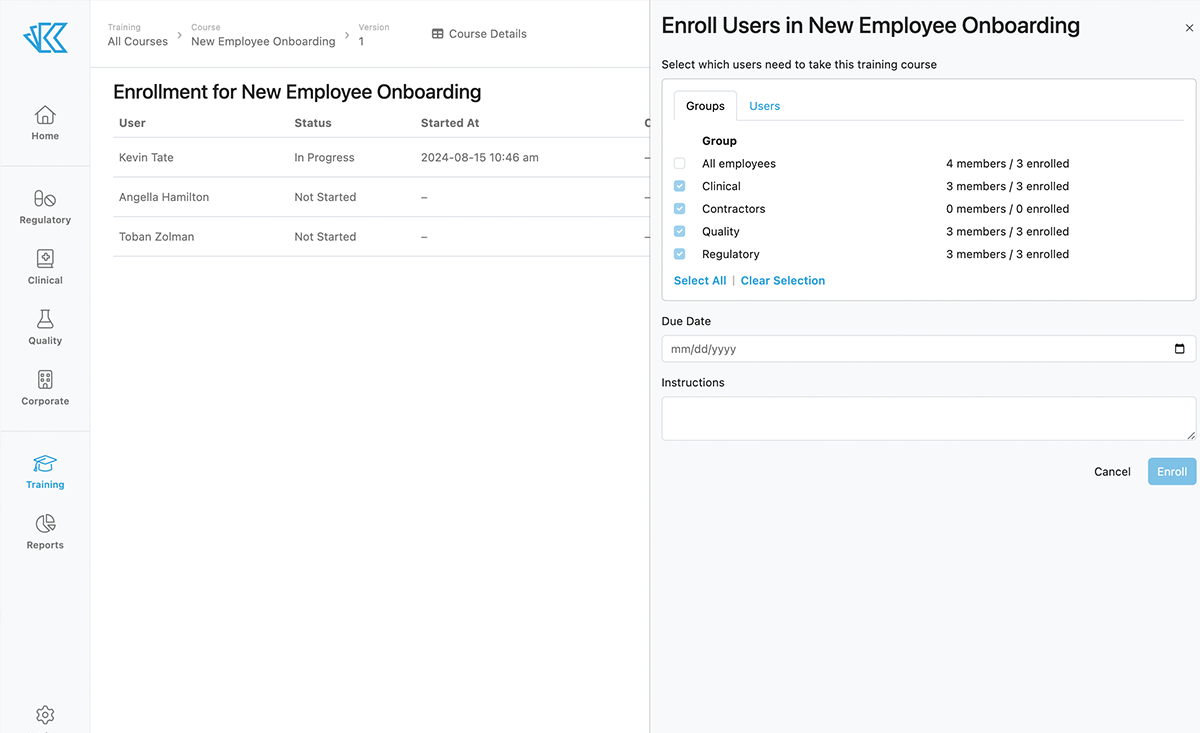
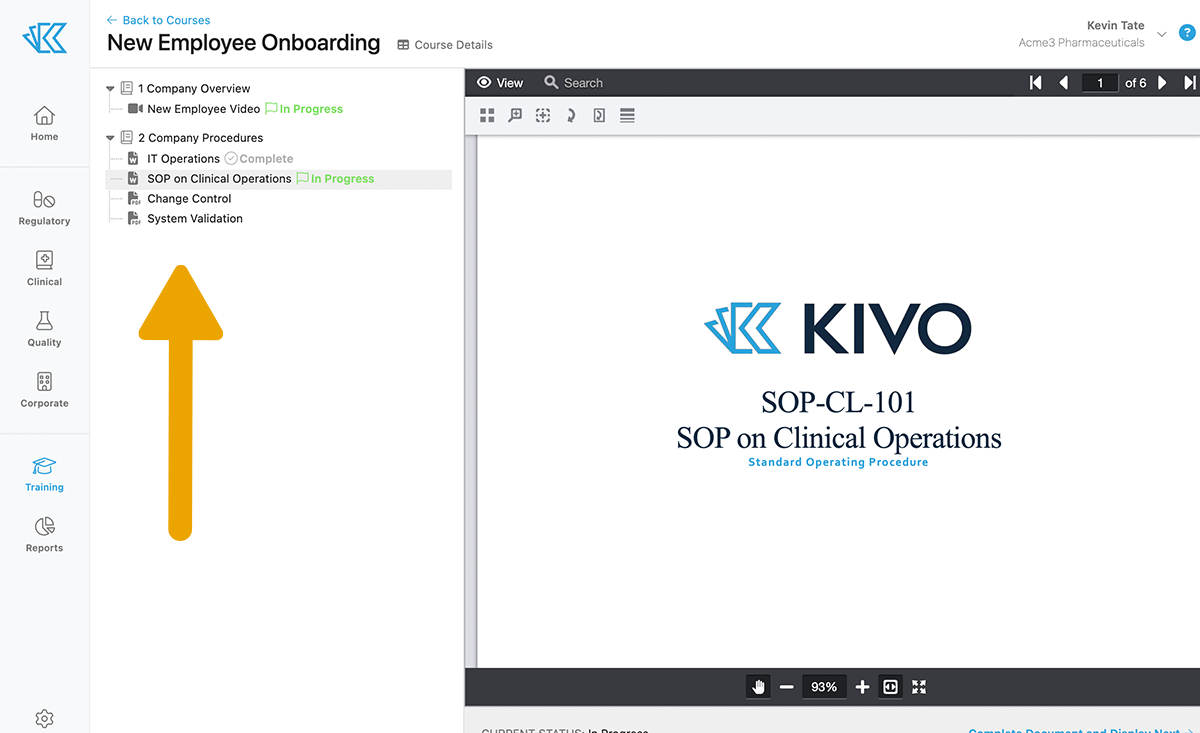
Within a Course, you'll see the curriculum on the left and the training materials on the right. This training course contains a mix of Videos and Documents that must be reviewed. Our video viewer allows for playback up to 2x speed (but no skipping! :-) Here's what it looks like to review an SOP Document.
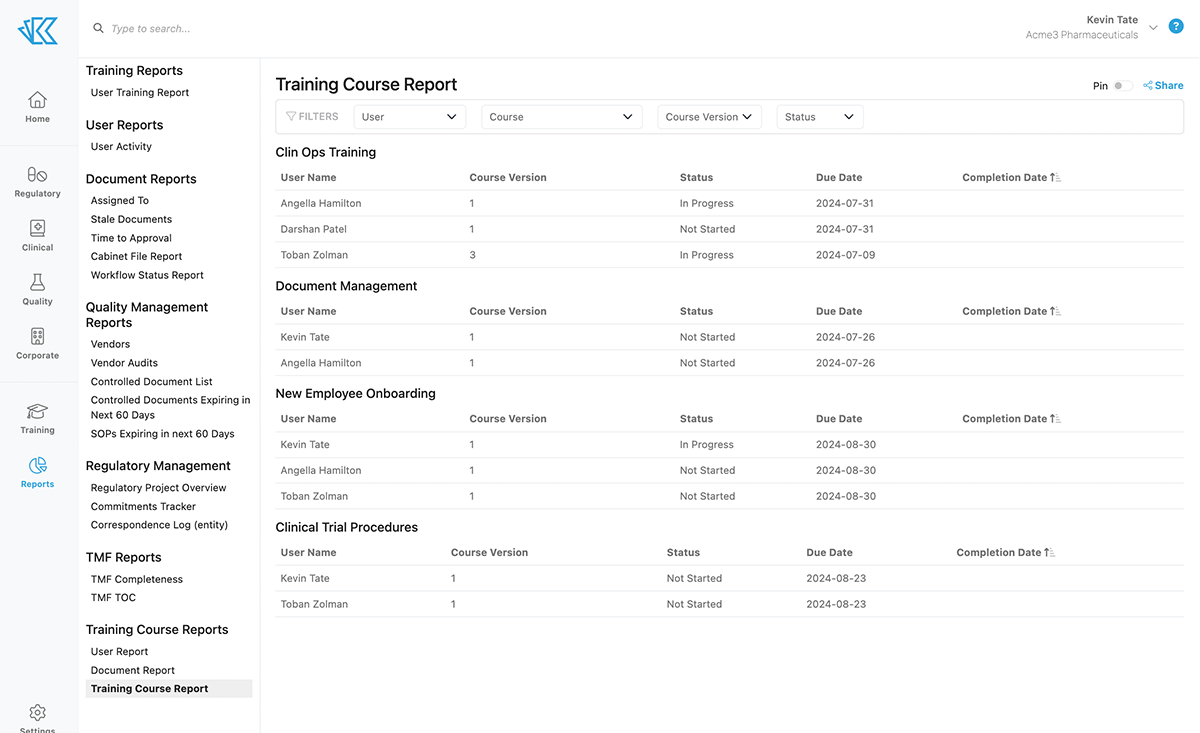
To track completion of Courses across the organization, you can leverage Training Reports. Course reports can be sorted by User, Group, or Status. And like all Kivo reports, you can automate delivery of this report directly to your inbox.
With Training Courses, you can make it easy for your entire team to stay up to date, and for you to maintain compliance.
Easy AND Compliant?! That's a win in our book 😎
Get an overview of our Quality capabilities in our clickthrough demo here. If you want to learn how we can help your specific organization or use case, don't hesitate to reach out 🤗
